A website may look attractive, but that does not always mean everyone can use it. Visitors with visual, hearing, mobility or cognitive disabilities may face difficulties when website elements are not designed with their needs in mind. Low colour contrast, unclear button labels, missing image descriptions and complicated menus are some common examples.
These problems can prevent visitors from finding information, filling out forms or completing a purchase. Website accessibility focuses on making these tasks easier for people with different abilities.
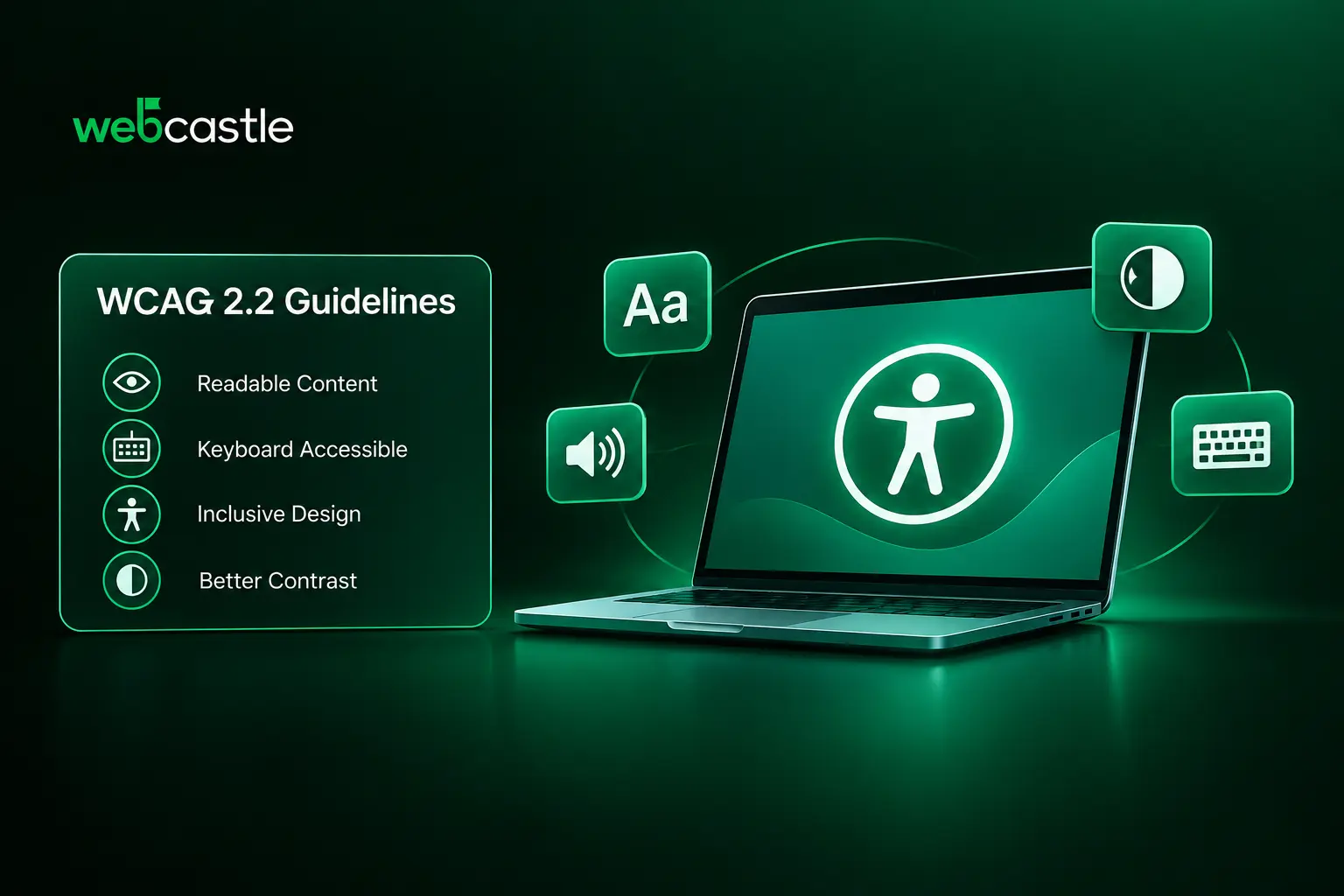
WCAG 2.2 provides clear guidelines that help make websites accessible to people with different abilities. Understanding these guidelines helps designers and developers make better decisions when creating or updating a website.
What Is WCAG 2.2 and Why Is It Important?
Website accessibility remains an important part of web design and development in 2026. Businesses need to consider how people with different abilities access website content, navigate pages and interact with online services. The Web Content Accessibility Guidelines (WCAG) provide a recognised set of requirements to help address these needs.
WCAG 2.2 is the latest published version of these guidelines, developed by the World Wide Web Consortium (W3C). First released on 5 October 2023, it builds on previous versions with nine additional success criteria. These cover areas such as keyboard focus, target sizes, dragging movements and accessible authentication.
For businesses, following WCAG recommendations can help:
- Make website content accessible to people with different abilities.
- Improve navigation for visitors using keyboards and screen readers.
- Make website features easier to use across different devices.
- Reduce difficulties when visitors interact with forms, buttons and menus.
- Help more visitors access information and complete tasks independently.
WCAG defines three conformance levels: Level A, Level AA and Level AAA. Level A covers the basic requirements, while Level AA addresses a wider range of accessibility needs. Level AAA contains more demanding criteria.
Many organisations aim for Level AA when making their websites accessible.
Understanding the Four Principles of Web Accessibility (POUR)
WCAG is based on four principles known as POUR: Perceivable, Operable, Understandable and Robust. Each principle focuses on a different part of the user experience.
1. Perceivable
Visitors must be able to access the information presented on a website. Since people use different methods to view or hear content, websites should offer suitable alternatives.
Designers can follow these practices:
- Write descriptive alt text for meaningful images.
- Include captions for video content.
- Maintain sufficient contrast between text and its background.
- Use text labels or symbols instead of relying only on colour.
- Choose readable fonts and appropriate text sizes.
For example, a visitor using a screen reader should be able to understand what an important image represents through its alternative text.
2. Operable
Website features should be usable without requiring a mouse. Some visitors depend on keyboard navigation, voice controls or assistive devices to interact with a page.
To support these users:
- Make links, buttons and menus accessible through a keyboard.
- Provide a visible focus indicator for selected elements.
- Ensure navigation controls are easy to operate.
- Give interactive elements enough space to select.
- Avoid keyboard traps that prevent users from moving to another part of the page.
A visitor should be able to move through the main menu, open links and submit a form using only a keyboard.
3. Understandable
Website content and features should be clear, making it easy for visitors to understand the information and use the available functions. Unclear instructions and unexpected changes can make even a well-designed page difficult to use.
A few important practices include:
- Write content in simple and direct language.
- Arrange headings in a meaningful order.
- Keep navigation labels consistent across pages.
- Add clear labels and instructions to form fields.
- Display useful error messages when visitors enter incorrect information.
- Avoid unexpected changes when users interact with page elements.
For instance, if a visitor makes a mistake while filling out a contact form, the error message should explain what needs to be corrected.
4. Robust
Website content should work with different browsers, devices and assistive technologies. This depends largely on how the website is developed.
Developers should:
- Use HTML elements according to their intended purpose.
- Provide suitable labels for form controls.
- Make sure interactive elements are recognised by assistive technologies.
- Follow recognised web development standards.
- Test website functions across different browsers and assistive tools.
For example, using a proper HTML button for an action makes it easier for assistive technologies to identify and operate that element.
Essential WCAG 2.2 Requirements for Accessible Website Design
When working on accessible website design, designers and developers should pay attention to several important areas.
Image descriptions: Add useful alt text to images that communicate information. Decorative images should have empty alt attributes so screen readers can ignore them.
Text and colour contrast: Make sure text stands out from its background. WCAG AA recommends a minimum contrast ratio of 4.5:1 for normal text and 3:1 for large text to ensure better readability.
Keyboard access: Visitors should be able to use important website features, including menus, links and forms, without a mouse.
Focus visibility: When a visitor navigates using a keyboard, the currently selected element should have a clear visual indicator. WCAG 2.2 also includes specific requirements for focus appearance and visibility.
Target size: Under WCAG 2.2 Level AA, pointer targets should generally measure at least 24 by 24 CSS pixels. There are specific exceptions, so the requirement should be checked against the relevant success criterion.
Form accessibility: Give every form field a clear label. Provide instructions where necessary and explain errors in a way that helps visitors correct them.
Responsive layouts and zoom: Page content should remain usable when visitors enlarge text, zoom in or access the website on a smaller screen.
These requirements provide a starting point for improving accessibility. Developers should refer to the relevant WCAG success criteria when checking whether a website meets a particular conformance level.
How to Test Website Accessibility
A website may work properly during a regular visit but still have problems for someone using a keyboard or screen reader. Accessibility testing helps identify these issues before and after a website goes live.
The following tools and methods can help with the testing process:
- WAVE: The WAVE Web Accessibility Evaluation Tool checks web pages for common accessibility problems, including missing alternative text and contrast errors.
- Google Lighthouse: Run an accessibility audit through Chrome DevTools to identify issues with page elements and their implementation.
- Keyboard testing: Browse the website using Tab, Shift + Tab, Enter, Space and arrow keys. Check whether all important features can be reached and operated.
- Screen reader testing: Use screen readers such as NVDA or VoiceOver to check how page content, links, images and form fields are announced.
- Mobile testing: Open the website on different screen sizes and check whether menus, buttons and forms remain easy to use.
Automated testing tools are useful for finding common errors, but they do not cover every WCAG requirement. Manual checks are necessary to identify problems with navigation, instructions and the overall experience.
WCAG 2.2 AA Checklist for Website Designers and Developers
Before launching a website, use the following points to review its main accessibility features.
- Meaningful images have appropriate alternative text.
- Text and background colours meet contrast requirements.
- Headings follow a logical structure.
- Links and buttons have clear names.
- Important website features work using a keyboard.
- Keyboard focus is visible and not hidden.
- Forms include proper labels and instructions.
- Video content includes captions where required.
- Pages remain usable on mobile devices.
- Interactive targets meet the applicable size requirements.
- Content remains accessible when users zoom in.
- Error messages explain what users need to correct.
This checklist covers several common accessibility concerns, but it does not represent a complete WCAG 2.2 AA assessment. A full evaluation must include every applicable Level A and AA success criterion.
Building Accessible Websites Through Better Design and Development
Accessibility needs to be considered during both the design and development stages of a website. Decisions about page layouts, typography, colour combinations, navigation and interactive elements can affect how easily visitors use a website.
WebCastle offers website design and development services for businesses that want to build or update their online presence. Accessibility considerations can be included in website planning, UI/UX design and development. This includes working on readable layouts, clear navigation, responsive pages and properly labelled website elements.
Businesses searching for a Web designing company in Kerala or a web development company can discuss accessibility requirements when planning a new website or redesigning an existing one.
Also Read: How to Plan a Successful Website Redesign: The Complete Checklist
Conclusion
A website should allow visitors to find information and complete tasks without facing avoidable difficulties. WCAG 2.2 gives designers and developers a clear set of requirements to consider when building accessible websites.
From image descriptions and colour contrast to keyboard controls and form labels, small design and development decisions can make a difference to how people use a website. Testing with accessibility tools, assistive technologies and manual checks helps identify problems that might otherwise go unnoticed.
Making accessibility part of the website development process from the beginning also makes it easier to review and maintain as new pages and features are added.