Getting someone to download your app is only half the job. Keeping it on their phone is harder. Most people have dozens of apps installed, and they remove the ones that annoy them, slow the phone down or never turned out to be useful.
App uninstalls rarely happen because of one big failure. More often it is a string of small irritations, such as a confusing sign-up, a few too many notifications or a screen that takes too long to load. Each one is easy to overlook while building the app, and each one gives users a reason to leave.
This guide covers seven common reasons users uninstall apps, and the practical steps that help reduce app uninstalls.
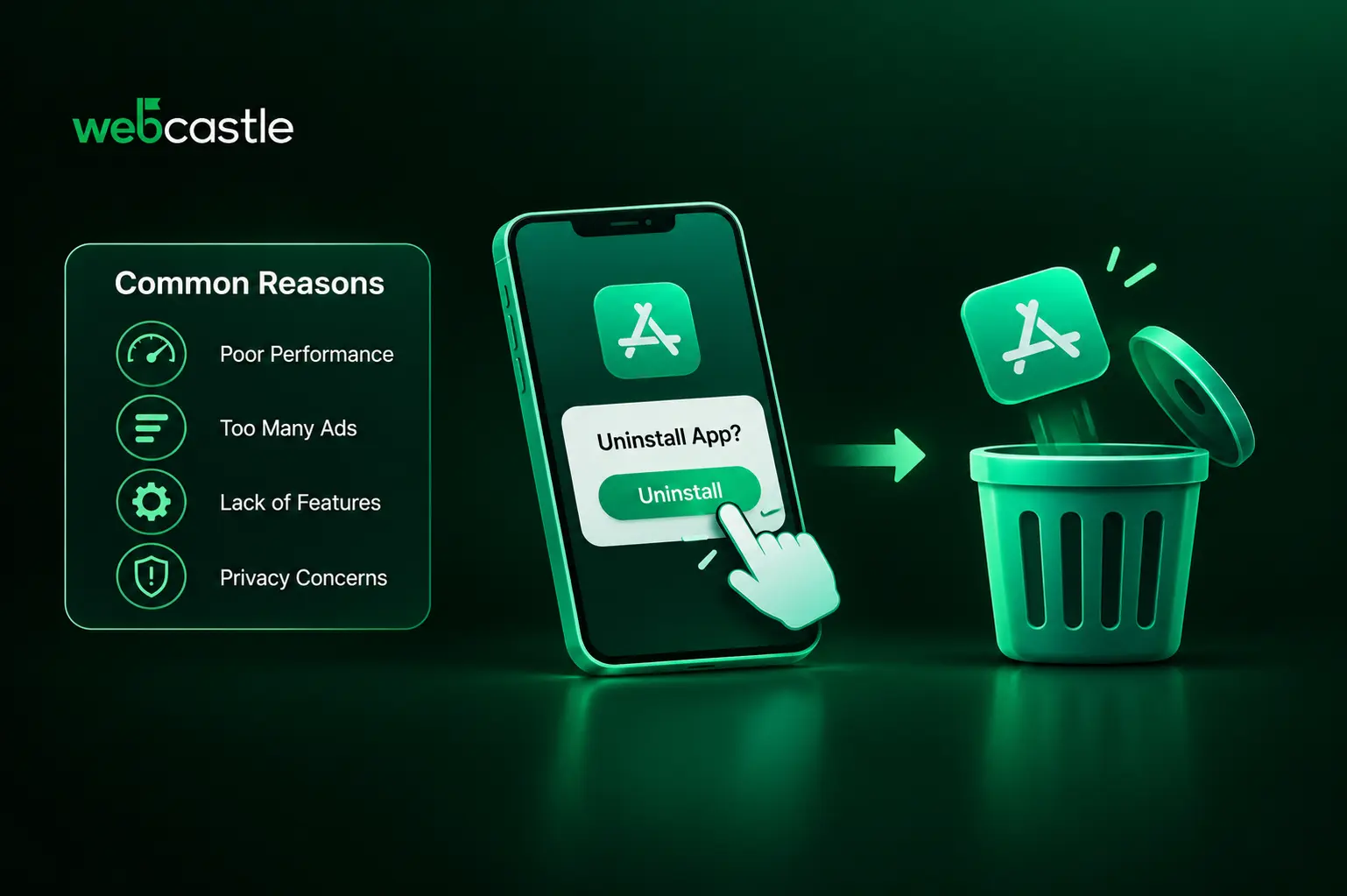
7 Common Reasons Why Users Uninstall Apps
Knowing why users leave helps you fix the right problems first. These are the reasons that come up most often.
A Poor First Experience
The first few minutes decide a lot. If an app asks for a long sign-up form, requests every permission at once or drops users on a screen with no guidance, many will close it and never come back. People want to see what the app does for them as quickly as possible.
An onboarding flow that is too long causes the same trouble. Users did not install the app to read five tutorial screens.
Slow Performance, Crashes and Bugs
Nobody has patience for an app that freezes, crashes or takes ages to open. A bug that looks minor to a developer, such as a button that does not respond or a payment page that keeps reloading, feels serious to someone who just wants to finish a task.
Apps also behave differently across devices and operating system versions. An app tested only on a few new phones may struggle on older, budget handsets, which a large share of users still rely on.
Too Many Notifications
Notifications can bring users back, but too many of them do the opposite. Daily promotional alerts, reminders that do not matter and messages sent late at night make an app feel like spam.
Users can switch notifications off, but frustrated people often skip that step and remove the app instead.
Intrusive Ads and Pop-ups
Full-screen ads that block content, pop-ups that appear in the middle of a task and ads placed so that users tap them by accident are all quick routes to an uninstall. Ads can be a fair way to earn from a free app, but they need to stay out of the way.
Heavy Battery and Storage Use
Apps that drain the battery, use a lot of mobile data or take up large amounts of storage are easy targets when a phone starts running low on space. Phone settings show which apps use the most battery, and users tend to remove those first.
Constant background activity, location tracking left on and large cached files all add to the problem.
Privacy and Security Concerns
People are more careful about what they share. An app that asks for access to contacts, location or the camera without a clear reason raises doubts, and news of data leaks makes users even more cautious.
Weak security, an unclear privacy policy and unexpected data collection all damage trust, and trust is hard to win back once it is lost.
Unclear Value or Confusing Design
Some users simply never see why they need the app. It may repeat what the mobile website already does, lack a feature they expected or hide useful options inside a cluttered menu. If people cannot find what they came for, they leave.
An inconsistent or outdated design adds to this. When every screen works a little differently, the app feels hard to learn and easy to abandon.
How to Reduce App Uninstalls
Fewer uninstalls come from improving the experience from the first launch onward. These steps make the biggest difference.
Simplify onboarding: Let users try the app before asking them to register, wherever that is possible. Keep the steps short, explain the main benefit on the first screen and ask for permissions only when a feature needs them.
Improve app performance: Test on a range of real devices, including older ones. Cut launch time, compress images, cache data sensibly and use a crash reporting tool so that bugs get fixed quickly.
Send notifications with care: Let users choose what they want to hear about. Group messages by behaviour, limit how often you send them and avoid promotions late at night.
Keep ads under control: If your app shows ads, avoid full-screen interruptions in the middle of a task. A paid version without ads is worth considering for users who prefer it.
Reduce battery and storage use: Limit background activity, clear out cached files and keep the app size reasonable. Smaller, lighter apps are easier to keep.
Protect user data and be open about it: Ask only for the permissions you need and explain why in plain words. Use encrypted connections, store data securely and keep your privacy policy easy to read.
Make the value clear and keep improving: Focus on the features people actually use, fix confusing screens and release updates regularly. Short release notes that explain what changed show users that the app is being looked after.
How to Find Out Why Users Are Leaving
Guessing is risky, so look at the data before changing anything. Analytics can show where users drop off, whether that is on the first day, in the first week or after a month. A sudden rise in uninstalls right after a release usually points to a specific problem.
Google Play Console and App Store Connect both report uninstall and crash data, and crash reporting tools show which devices and app versions struggle most. Add app store reviews and support tickets to that, and patterns start to appear.
You can also ask users directly. A short, optional survey that appears after someone cancels an account or turns off notifications often gives honest answers that numbers alone cannot.
Build an App That Users Want to Keep
Many uninstall problems begin during planning and development, not after launch. Slow screens, confusing flows and weak security are far cheaper to prevent than to repair later. If you are planning a new app, or want to improve one that is losing users, working with an experienced mobile app development company can help you get the basics right from the start.
WebCastle builds mobile apps with careful attention to speed, security and usability, backed by UI/UX consulting that keeps the experience simple for the people using it.
Conclusion
Users uninstall an app when keeping it feels like more trouble than it is worth. Slow performance, constant notifications, heavy ads, privacy worries and unclear value all tip that balance. The fix is rarely one big change. Learn where users drop off, then improve onboarding, speed, security and design one step at a time. An app that respects people's time, phone and data gives them a good reason to stay.