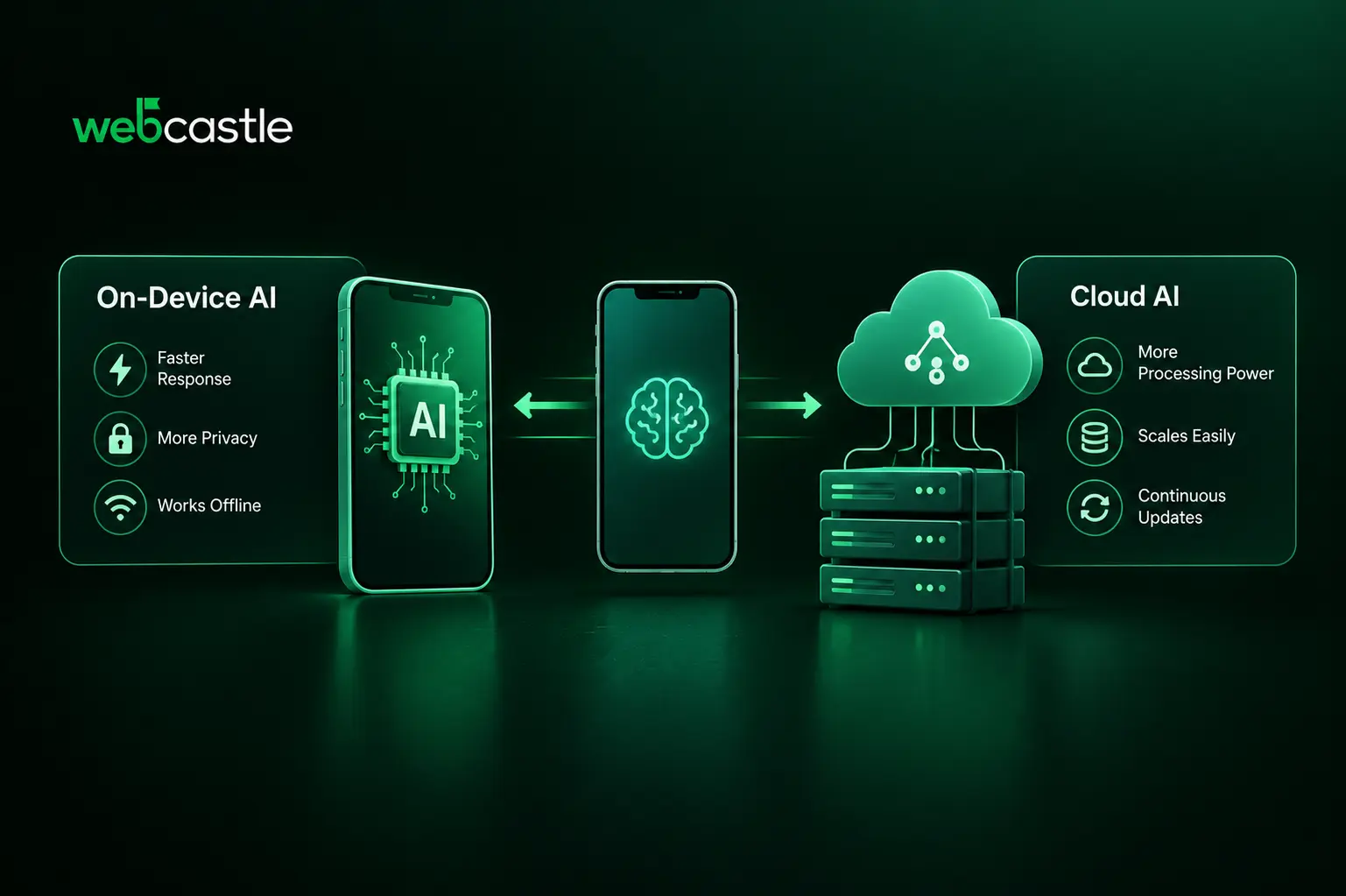
AI can make a mobile app more useful, but its performance depends partly on where the AI model runs. Should it run directly on the user's device or on a cloud server?
On-device AI processes requests locally without sending them to a remote server. Cloud AI uses server-based models that can handle tasks requiring more computing power. Choosing the right approach can improve response times, protect user data, and control operating costs. Choosing the wrong one can lead to slow responses, limited offline access, privacy concerns, or high cloud expenses.
This is an important decision in AI in mobile app development. Not every AI feature needs the same model or architecture. Developers must choose an approach that suits each feature's requirements.
Use on-device AI when a feature needs quick responses, offline access, or local data processing. Cloud AI is a better option when a task requires a larger model, more context, or greater computing power. Many apps can benefit from a hybrid approach that uses both, depending on the task.
Google now supports hybrid inference on Android, allowing developers to route AI requests between on-device and cloud models. Apple also supports this approach through its Foundation Models framework, which provides access to on-device models, Private Cloud Compute, and other model providers.
So, which option is better? It depends on what your app needs to do.
What Is On-Device AI?
On-device AI is an approach in which a mobile app runs an AI model directly on the user's smartphone or tablet instead of sending every request to a remote server.
The process looks like this:
User's input → Mobile app → AI model running on the device → Result
The app can process supported requests locally without contacting a cloud server. Modern mobile platforms provide tools that help developers add these features to their apps. For example, Apple's Foundation Models framework gives developers access to an on-device language model for tasks such as summarising text, understanding language, and generating content.
How it works
The AI model may be provided by the mobile platform or included in the app. It uses the device's available processing resources, such as the CPU, GPU, or dedicated AI hardware.
Running a model locally can reduce network delays and allow supported features to work without an internet connection. However, the device must have access to the required model and enough resources to run it.
Major advantages
- Fast responses: Local processing avoids the network delay involved in sending a request to a remote server.
- Offline access: Supported AI features can continue working without an internet connection.
- Privacy: Data can remain on the device instead of being sent to a remote service. This depends on how the app handles data.
- Lower cloud costs: Local processing can reduce the number of requests sent to paid cloud AI services.
On-device AI also has limitations. Phones have less memory and computing power than many cloud servers. Running AI models can consume battery power, and performance may vary between devices. Developers must consider these differences when building an app for a wide range of users.
Apple follows a similar approach with its Foundation Models framework. On-device models can handle tasks such as text summarisation and image understanding, while more complex requests that need stronger reasoning or a larger context window can use Private Cloud Compute or another server-based model.
What Is Cloud AI?
Cloud AI for mobile apps uses AI models hosted on remote servers. The mobile app sends requests to these models through an API and receives the results.
The process looks like this:
User's input → Mobile app → API request → Cloud AI model → Response returned to the app
The phone handles the user interface, while the cloud server performs the AI processing.
How it works
When a user enters a question or uploads content, the app sends the required information to an AI service through an API. The service processes the request and returns the result to the app.
This approach is useful when an AI feature needs more computing power or model capabilities than many mobile devices can provide locally.
Key benefits
- Larger models: Cloud servers can run models that may be too demanding for many smartphones.
- Greater computing power: Server infrastructure can handle complex tasks that require more processing resources.
- Easier model updates: Developers can update server-side models without requiring users to download a new model with every app release.
- Support for more devices: The AI workload depends less on the processing power available on each user's phone.
Cloud AI also has drawbacks. It usually requires an internet connection, and poor network conditions can delay responses. Sending data to a remote service may raise privacy concerns, depending on the information involved and the service's data-handling policies. API usage and server infrastructure can also add ongoing costs.
Google's Android guidance recommends cloud inference for tasks that need broader world knowledge, larger context windows, or more complex queries.
On-Device AI vs. Cloud AI: Key Differences
Choosing between these mobile app AI options requires looking at six important factors.
| Factor | On-device AI | Cloud AI |
|---|---|---|
| Performance | Can respond quickly without network delays | Response time depends on network conditions and server processing |
| Privacy | Data can remain on the device | Data may be sent to a remote service |
| Cost | Can reduce cloud inference costs | API and server costs may apply |
| Scalability | Limited by the resources of each device | Server resources can be increased to handle more requests |
| Model capability | Depends on the model and device hardware | Can support larger models and more demanding tasks |
| Offline support | Available for supported local features | Usually requires an internet connection |
There is one more factor to consider: device compatibility.
An on-device model may not be available or perform equally well on every smartphone. Hardware, operating-system versions, available memory, and model support can vary.
Google's hybrid inference approach helps address this issue. Developers can configure an app to try on-device processing first and use a cloud model when the local model is unavailable or cannot handle the request.
For this reason, device compatibility testing should be part of AI mobile app development from the beginning, rather than something developers consider only before launch.
Which Is Better for Different Use Cases?
The best approach depends on the AI feature, the data it needs, and the expected user experience.
Choose on-device AI for:
- Text summarisation and rewriting
- Basic text classification
- Image and text understanding supported by the local model
- AI features that need to work offline
- Tasks involving sensitive data that should remain on the device
- Features that need quick responses without network delays
Choose cloud AI for:
- Complex reasoning
- Applications that need a large context window
- Assistants that require access to extensive or frequently updated knowledge
- Processing large documents
- Tasks that need substantial computing resources
These are general guidelines. The best option also depends on the model's capabilities and how the app is implemented.
When Should You Choose Hybrid AI?
A hybrid architecture combines on-device and cloud AI within the same app. It allows developers to choose where each request should be processed.
For example, a mobile assistant could summarise a short message on the device and send a complex question to a cloud model. This can keep simple tasks fast and reduce unnecessary cloud requests while making more capable models available when needed.
Developers can configure different routing options. In Google's Firebase AI Logic Hybrid API, for example, an app can prefer on-device processing and fall back to a cloud model when the local model is unavailable or cannot support the request. Developers can also configure cloud-first or device-only processing.
More advanced routing can consider factors such as network availability, device capabilities, and battery level when the developer implements that logic. These decisions should not be assumed to happen automatically in every hybrid AI system.
Hybrid AI is a useful option for apps that need both offline support and the ability to handle more demanding tasks.
Future Trends in Mobile AI
Mobile AI development is moving towards more flexible ways of running models.
Apple's Foundation Models framework provides access to on-device models, Private Cloud Compute, and supported third-party models through a common interface. Its newer capabilities also give developers more options for managing model configurations and handling text and image inputs.
Android is developing in a similar direction. Google's hybrid inference tools allow developers to configure how requests move between on-device and cloud models.
These developments give mobile app developers more options when choosing how to run AI features. Instead of relying on a single model for every task, developers can select an approach based on performance, privacy, cost, and the needs of the user.
As a result, AI technologies for mobile apps will increasingly depend on how well the chosen models fit the app's requirements.
Building the Right AI Architecture for Your App
If you are planning AI-powered mobile apps, start by identifying what users need from each AI feature.
Consider these questions before choosing an architecture:
- Does the feature need to work without an internet connection?
- How quickly should it return a response?
- Does it process sensitive user information?
- Does it need access to current information or a large amount of context?
- Which devices and operating-system versions must it support?
- What budget is available for model usage and ongoing maintenance?
Answering these questions will help you decide whether on-device AI, cloud AI, or a hybrid approach is suitable for your app.
Businesses looking for the best mobile app development company in Kerala can also consider WebCastle for mobile application development. The company provides mobile app development services covering application architecture, UI/UX design, and implementation across mobile platforms.
The right architecture should be selected early in the project so that performance, privacy, device compatibility, and operating costs can be considered during development.
Conclusion
On-device AI is a good option when an app needs quick responses, local data processing, or offline access. Cloud AI is useful when a task requires larger models, more context, or greater computing power. A hybrid approach can combine both options and allow the app to use the most suitable model for each task.
The best choice depends on the app's features, the devices used by its audience, privacy requirements, and budget. Testing these factors early can help developers build an AI-powered mobile app that works reliably for its users.
Planning an AI-enabled mobile application? Contact WebCastle to discuss your requirements and choose an architecture that suits your product.