









Updated 21 October 2026: PHP has released the fixes. Update now.
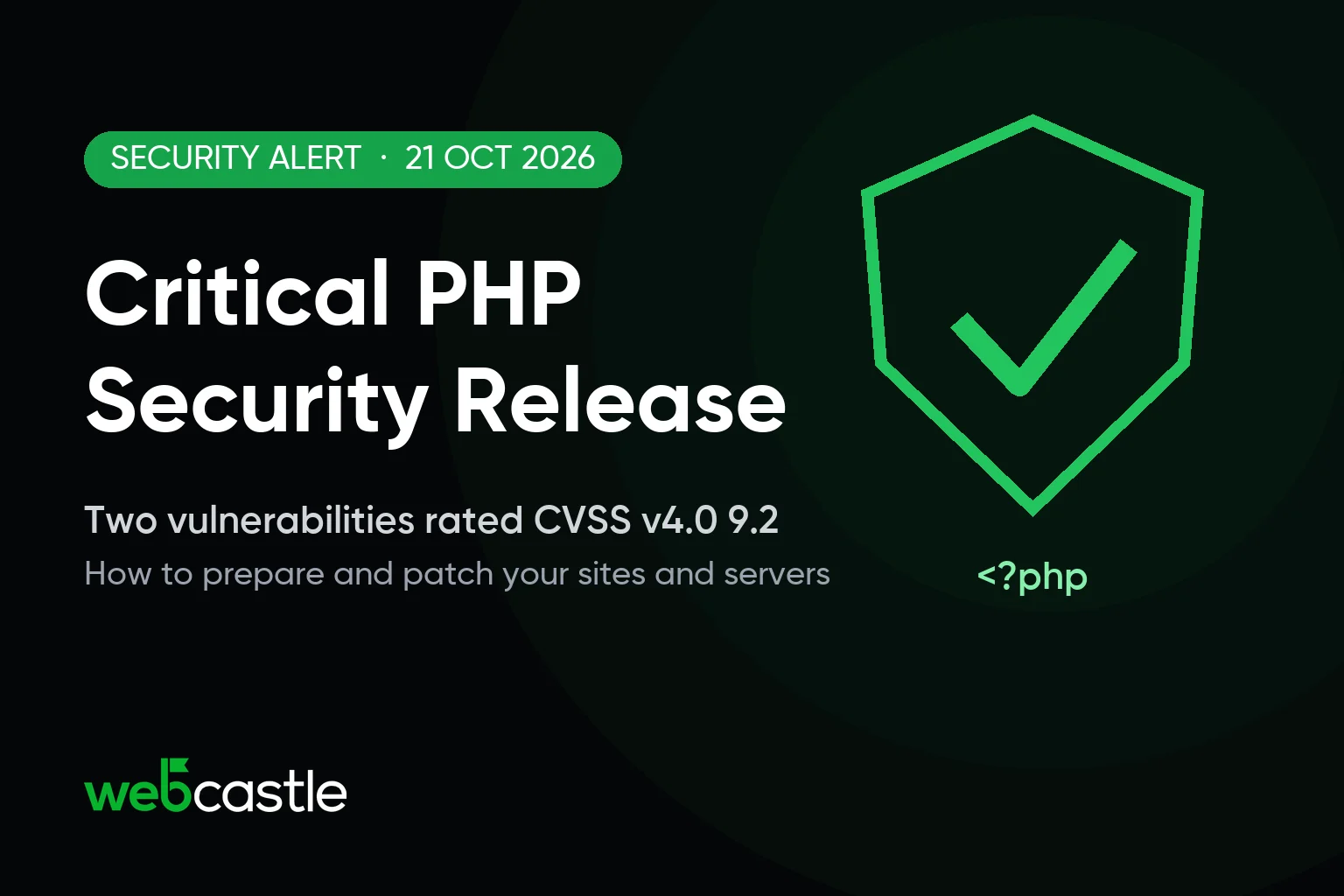
PHP has released PHP 8.5.12, 8.4.27, 8.3.36 and 8.2.35. They fix two critical vulnerabilities, CVE-2026-109618 and CVE-2026-109619, both rated 9.2 on CVSS v4.0, that can allow unauthenticated remote code execution. PHP strongly encourages all users to update immediately and says updating is the only safe choice.
PHP runs a large share of the web, including WordPress, WooCommerce, Magento, Drupal, Laravel and many custom business applications. If any of your websites, web apps or servers run PHP, update them now.
What PHP has fixed
- CVE-2026-109618, remote code execution via out-of-memory corruption (GHSA-w8hw-w9fx-j79w). Out-of-memory handling can interrupt PHP while internal request data is only partly initialised, and request cleanup may then treat the invalid data as valid.
- CVE-2026-109619, remote code execution via stale global state (GHSA-6wmf-4rv5-p3rp). Internal state that belongs to a request can survive after its memory has been freed, and a later request handled by the same worker may use it before it is reset.
Who is affected?
According to PHP, every PHP installation that serves web requests is at risk, including PHP-FPM, Apache with mod_php, php-cgi, FrankenPHP and LiteSpeed. PHP considers the risk highest for mod_php, where a demonstrated exploit can be triggered by an unauthenticated request before any application code runs.
That includes shared hosting, VPS and dedicated servers, cloud instances, Docker images and managed platforms.
Fixed versions
- PHP 8.5: update to 8.5.12
- PHP 8.4: update to 8.4.27
- PHP 8.3: update to 8.3.36
- PHP 8.2: update to 8.2.35. PHP 8.2 reaches end of life on 31 December 2026, so plan your upgrade to a newer version.
PHP 8.1 and older no longer receive updates from the PHP project. Some Linux distributions and LTS vendors provide backported fixes, so check with your vendor, or upgrade to a supported version. For people building from source, PHP has also published minimal source backports for PHP 7.4, 8.0 and 8.1.
How to patch now
- Find every PHP version you run. Run
php -von each server, check your hosting control panel, and look at the PHP base images in your Dockerfiles and CI pipelines. The command line and the web server can use different versions, so check both. - Install the fixed version for your branch from your usual source: your operating system's packages, your hosting control panel, the official PHP Docker image, or php.net. Linux distributions and LTS vendors received the patches in advance, so check your vendor for updated packages.
- If you use rpms.remirepo.net, PHP advises switching to distribution packages or building from source, as that repository will not have updates on release day.
- Restart PHP-FPM and your web server so the patched version is actually running. For containers, rebuild and redeploy your images.
- Confirm the running version on every site and server. Distribution packages often backport fixes without changing the PHP version number, so check your vendor's security notice too.
- Test your important pages, forms, checkout and admin login, and watch your logs for unusual requests over the following days.
If you cannot update straight away
PHP's advisory lists measures that reduce exposure to specific attack paths. They do not make an installation safe, and updating is the only complete fix:
- For CVE-2026-109618: set
memory_limit=-1in a way applications cannot override (for examplephp_admin_valuein the FPM pool or Apache configuration), set a lowpost_max_size(8M if you do not need file uploads, 32M if you do), and enforce request size limits at the web server or proxy. - For CVE-2026-109619: set
session.upload_progress.enabled=0in php.ini, the FPM pool or the server configuration and restart every worker. On PHP 8.5, also setfatal_error_backtraces=0.
See the PHP security advisory for the full list, and apply the update as soon as you can.
How WebCastle can help
Our team can find which PHP versions your websites and servers use, apply the security update, test your site afterwards and move older applications to a supported version of PHP.
Need help patching your website or servers? Contact us, email mail@webcastle.qa or call +974 7121 1903, and our team will help you get your sites and servers updated.
Frequently asked questions
Which PHP versions fix the vulnerabilities?
PHP 8.5.12, 8.4.27, 8.3.36 and 8.2.35, released on 21 October 2026. Update to the version for your branch.
What are the CVE IDs?
CVE-2026-109618 (remote code execution via out-of-memory corruption) and CVE-2026-109619 (remote code execution via stale global state). Both can allow unauthenticated remote code execution.
Does this affect WordPress websites?
WordPress runs on PHP, so the PHP version on your server needs the update. Updating WordPress, themes or plugins alone does not fix a vulnerability in PHP itself.
I am on PHP 7.4, 8.0 or 8.1. Will I get a fix?
There is no official release for these versions. Some Linux distributions and LTS vendors provide backported fixes, and PHP has published minimal source backports for people building from source. The safest option is to upgrade to a supported version of PHP.
Source: PHP security advisory on php.net, 21 October 2026.