The mobile app development process starts with a moment of confidence. Someone sees a gap, imagines a product, and thinks: this could work. And maybe it could — except that in most cases, the confidence outlasts the planning.
Many apps struggle to keep users after launch, often due to poor experience or performance.
Rushed builds and weak testing can lead to drop-offs. Skipping key stages usually means higher costs later.
What makes apps succeed isn’t just talent or budget—it’s the process. It’s a process.
Industry best practices consistently emphasise structured development processes, thorough testing, and continuous iteration as key factors in successful mobile apps.
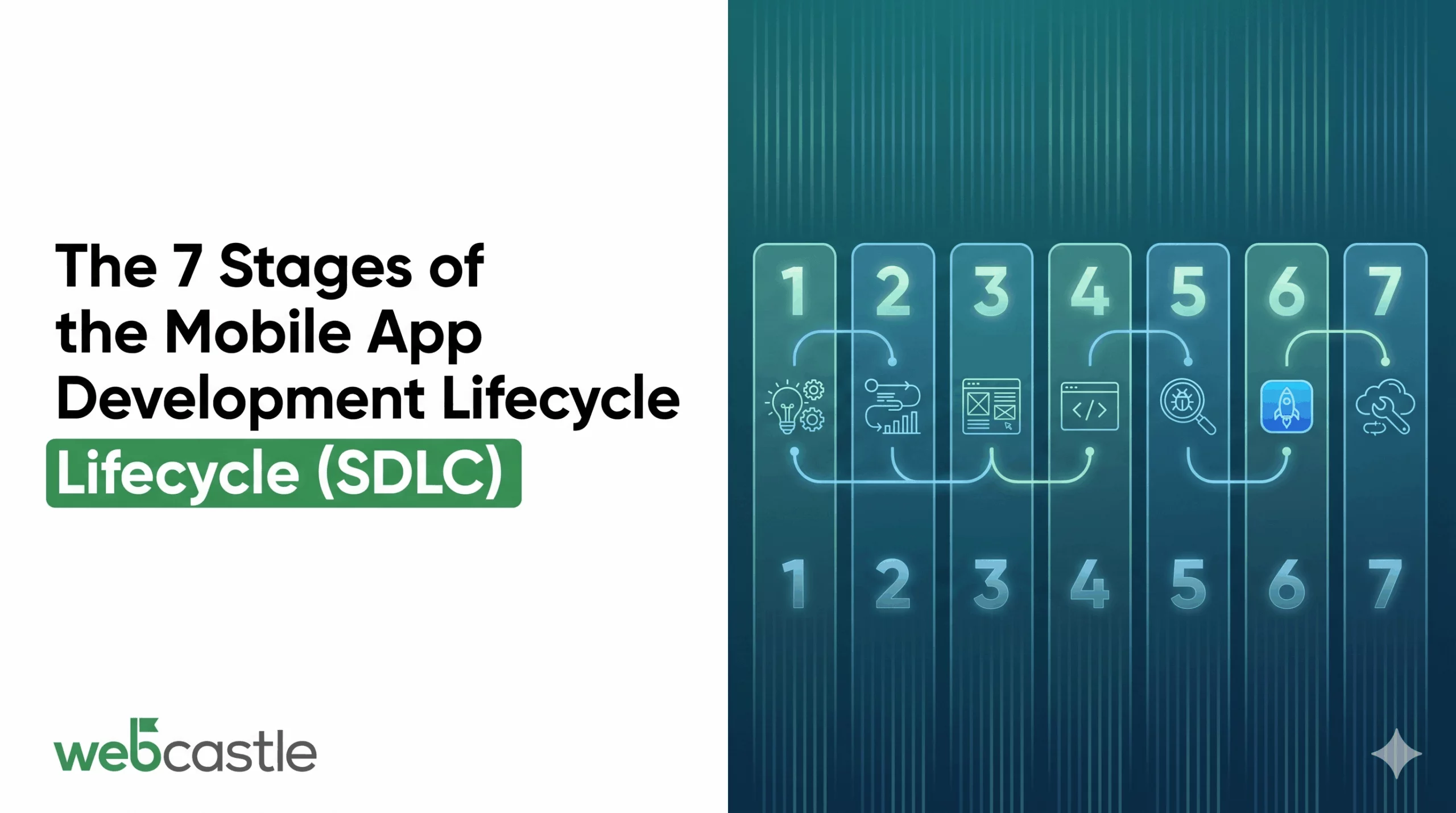
The seven stages outlined in this guide aren’t bureaucratic checkboxes — each one resolves a specific set of problems before they get expensive.
Stage 1 — Requirement Analysis
Getting Everyone Into the Same Room With the Same Notes.
Project drift usually comes from misunderstandings, not technical issues. What’s said, heard, and built can all differ—and it often shows up only at the first demo.
Requirement analysis ensures these discussions happen early, not midway through the project. It pulls every key person into a structured discussion where assumptions get questioned and decisions get recorded. By the end, there should be a written document that everyone has read and signed off on — not a Slack thread or a set of meeting notes that three people remember differently.
The conversations in this stage cover:
- The actual user — a specific person with a clear problem
- Launch scope — what goes into version one vs later
- Platform choice — which platforms matter and why
- Real constraints — budget, timeline, testing buffer
- Technical dependencies — APIs, tools, and compliance needs
This document is the single source of truth and keeps everyone aligned.
Skipping it leads to confusion and wasted time fixing avoidable issues later.
Stage 2 — Project Planning
Planning isn’t just admin—it’s where key technical and strategic decisions are made. Poor planning leads to bigger problems later.
This stage sets how the team works.
Most teams follow an agile methodology, using short sprints to build, review, and track progress clearly.
A well-constructed planning phase leaves the team with:
- A timeline anchored to reality — with milestones that account for review cycles, not just build time
- Clear ownership — everyone knows who is responsible and who makes decisions
- Right tech choices — tools and frameworks chosen based on needs, not trends
- Risk planning — a simple list of possible issues and how to handle them
- Clear communication — defined updates, channels, and reporting style
Planning fixes unrealistic timelines early. If the timeline is wrong, the project starts behind.
Stage 3 — Design: Building the Version You Can Afford to Get Wrong
There’s a version of the app you can fix in an afternoon. Then there’s the version you have to patch in production. Design is your opportunity to work on the first version for as long as it takes.
The process runs in two phases, and both need to be taken seriously.
Wireframing is deliberate stripped-back work. No design, just basic layouts to test flow and structure. This is where you spot issues early—like extra steps or actions hidden too deep. Better to find that here.
App prototyping takes the agreed structure and makes it interactive. Clickable mockups that behave like real screens give stakeholders something they can actually use — and the feedback that comes from that experience is qualitatively different from feedback on a static image. People discover how a product actually feels only when they’re clicking through it, not when they’re looking at it.
The financial logic here is straightforward. Changes in the wireframe stage cost almost nothing. Changes during active development can cost days. Changes after launch require a full release cycle and, depending on the severity, carry reputational risk. Every hour spent in design is an hour of potential re-work avoided.
There’s also a user retention argument. People decide very quickly whether an app is worth their time. Confusing navigation, unclear labels, screens that don’t behave as expected — any of these will push someone to close the app and leave a review that follows the product for months.
Design isn’t the last thing: Teams that treat design as something to finalise after development begins consistently produce apps that feel bolted together rather than built with intent.
Stage 4 — Development: Where Plans Either Hold Up or Don’t
Development is the longest and most expensive stage. With clear requirements and designs, it runs smoothly. When either of those is shaky, development is where the cracks show.
The technical architecture of a mobile app runs across three connected layers:
- Interface layer — every screen, animation, and interactive element the user sees and touches, built to match the approved designs
- Logic and data layer — the server infrastructure, database structure, and business rules that determine how the app actually functions
- Service connections — integrations with external systems—like payments, maps, authentication, and analytics
- Sprint-Based Development — Development happens in short sprints, each delivering working features that can be tested. This keeps progress visible and allows early feedback.
- Tech choices depend on the platform—Swift for iOS, Kotlin for Android, or tools like Flutter and React Native for building both with one codebase.
Stage 5 — QA & Testing: The Stage That Protects Everything That Came Before It
A feature that works in the development environment, on the team’s test devices, in ideal network conditions, is not necessarily a feature that works for your users. Quality assurance (QA) is the process of closing that gap — and it’s usually wider than teams expect.
Serious testing covers more ground than most people account for:
- Functional verification — every described feature behaves exactly as specified, not approximately
- Load and performance testing — how the app handles real traffic, degraded connections, and edge-case device behaviour
- Cross-device compatibility — correct rendering and function across the range of hardware and OS versions your actual users will have
- Security assessment — authentication, data storage, API communication, and payment flows tested against known vulnerability patterns
- Real-user usability testing — people outside the project attempt to complete key tasks without assistance
- Regression coverage — confirmation that bug fixes haven’t introduced new failures elsewhere in the codebase
Good QA matters. A bad review on launch day can reach many people and stay there. Taking extra time to test before launch is usually the better choice.
Stage 6 — Deployment: More Than Hitting Submit
A lot of teams treat deployment as the moment they upload the app and wait. In practice, it’s one of the more operationally complex stages of the project — and one of the few where a mistake is immediately visible to the public.
Submission rules vary by platform. Apple reviews manually and may take a few days, while Google Play is usually faster and automated. Knowing the process helps avoid delays.
Outside the submission itself, deployment involves:
- App store positioning — descriptions written with search behaviour in mind, screenshots that communicate value clearly, metadata structured to improve discoverability
- Infrastructure readiness — production servers, databases, and cloud configurations tested against expected launch traffic — not just development-scale load
- Monitoring setup — analytics, error tracking, and crash reporting configured before launch, not retrofitted afterward
- Launch coordination — owned and earned media, email, community channels — whatever is in play needs to be timed and ready
The listing is worth more time than most teams give it. It’s the conversion layer between someone finding the app and someone downloading it. An app with a weak listing loses users before they ever open it.
Stage 7 — Post-Launch: Where the Actual Product Strategy Lives
Launch is just the start, not the end. How you respond to real users and data determines the app’s success.
In the first few weeks, new issues often appear, like crashes on certain devices or performance problems under real usage. None of that is a failure of QA — it’s simply the nature of releasing software into an environment with millions of variables. The question is how quickly and seriously the team responds.
Apps that grow over time are maintained like products, not treated like finished deliverables:
- Crash data is reviewed on a regular cadence — and critical issues are prioritised accordingly
- User reviews are read as product feedback — not just ratings to monitor
- OS updates from Apple and Google are tested against in advance — not discovered as compatibility issues by users
- New releases ship on a consistent schedule — each one addressing known issues, improving performance, or adding features the user base has been waiting for
There’s also a discoverability dimension. Both major app stores incorporate update activity into their ranking signals. Apps that go quiet after launch tend to drift down in search results. Consistent, quality updates signal that the product is alive and maintained — which is exactly what both algorithms and users want to see.
WebCastle Technologies: 16 Years of Getting This Right
Reading through seven stages of a development lifecycle is useful context. Having a team that’s run that process hundreds of times — across industries, markets, and budgets — is something different.
Based on experience working across multiple projects, teams often see challenges arise when stages are rushed, requirements are unclear, or testing is overlooked.
That experience shapes how every project at WebCastle runs.
Working with WebCastle means:
- One team across the full lifecycle — from the first requirements conversation through post-launch maintenance and support
- Engineers with genuine platform depth — iOS, Android, and cross-platform specialists with production-level track records
- Agile delivery with real transparency — sprint reviews, clear reporting, and stakeholders who always know where the project stands
- Proven output — the Lulu Mall app, the Difit platform, and a portfolio of live products that perform in the real world
At WebCastle, every project starts with your business—what you’re building, who it’s for, and what it should achieve. For businesses looking for the best mobile app development company in Boston, choosing a team with a proven process is key to building successful apps.
Ready to get started? Book a free consultation at webcastle.com.
