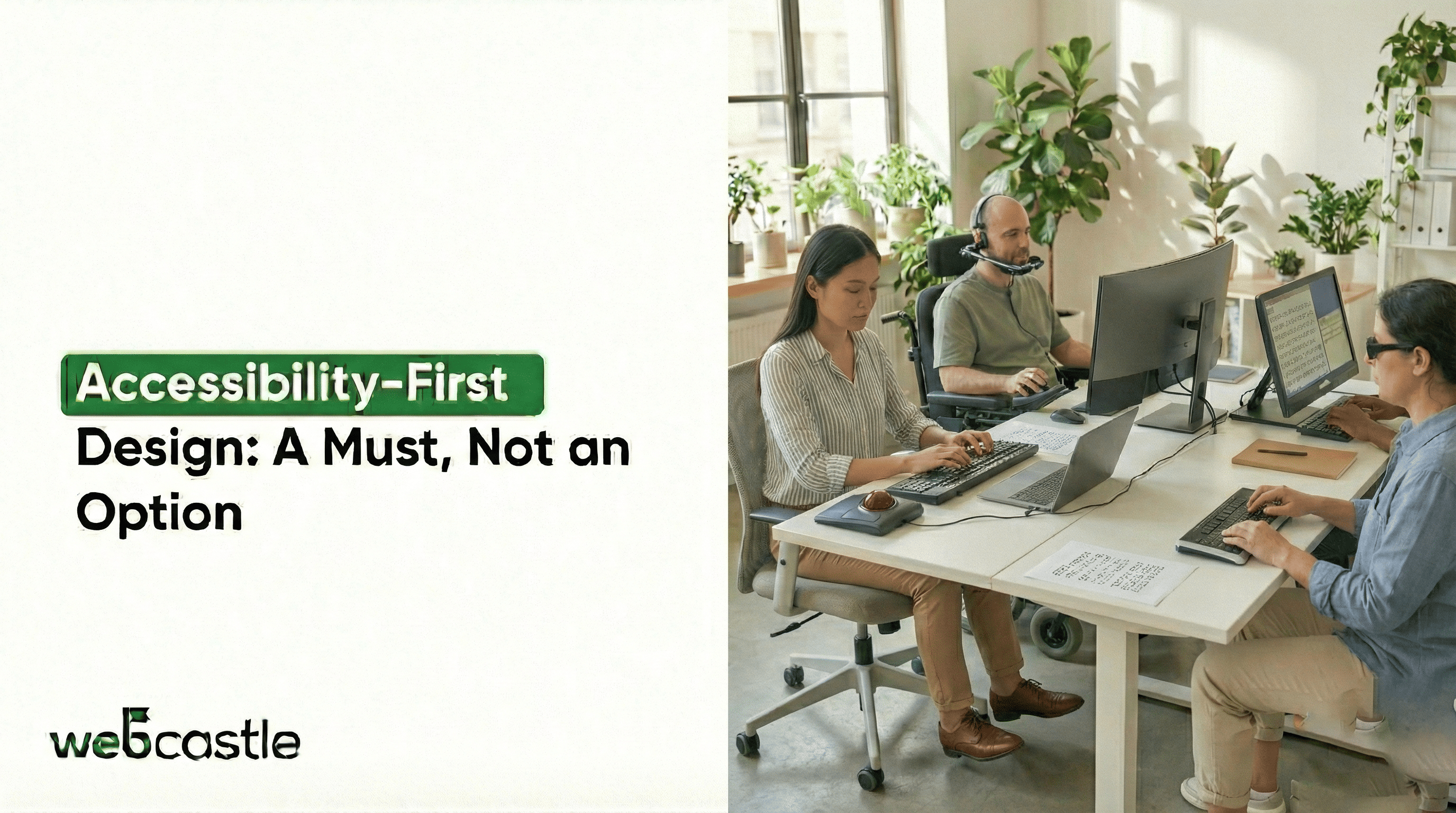
Picture someone with arthritis struggling to click tiny buttons on a shopping website. Imagine a student who’s blind trying to access course materials that screen readers can’t process. Imagine a senior struggling to read small grey text – millions face this every day when digital content isn’t designed for all.
Digital access means designing with everyone’s needs in mind. It is the recognition that people interact with technology in different ways. Some use screen readers that vocalise text. Others navigate solely with keyboards or voice commands. Many rely on captions for videos or need high-contrast modes to read content.
Why This Can’t Wait
Consider what happens when accessibility gets ignored:
- Job seekers can’t complete online applications
- Patients can’t access their medical portals
- Shoppers abandon carts they can’t check out
- Students fall behind in their courses
- Seniors become increasingly isolated
The most successful digital teams understand that accessibility barriers don’t just cause inconvenience to users – they completely lock people out of essential services and opportunities.
Building Better Digital Experiences
Creating accessible digital spaces requires practical changes. Whether you’re a business seeking ecommerce web design Boston or working with a website design company Boston, integrating accessibility from the start saves time and improves user experience.
For Easier Reading
- Use large, clear text.
- Make sure text and background colours contrast well.
- Let users change text size without messing up the page.
- Choose simple, readable fonts.
For Smoother Navigation
- Ensure everything works with the keyboard alone
- Make clickable areas large enough to target easily
- Keep navigation consistent across pages
- Provide clear signs of where you are on a site
For a Clearer Understanding
- Use simple, easy-to-understand language.
- Use headings to organise the content clearly.
- Describe images with helpful alternative text
- Provide transcripts for audio and captions for video
Real Impact in Action
Library Website Success
A local library redesigned its website with accessibility as the priority. They increased text sizes, improved colour contrast, and simplified their navigation. The result? A 40% increase in online resource usage, particularly among older patrons who previously struggled with the site.
Grocery App Innovation
A grocery chain added voice navigation for visually impaired users, but it also helped parents, cooks, and busy workers – showing why partnering with top mobile app development companies in Boston creates inclusive, user-friendly apps.
Getting Started Right Now
Increased accessibility doesn’t require major overhauls. Begin with these achievable steps:
This week:
- Test your site using only keyboard navigation
- Check colour contrast on your most visited pages
- Add descriptive alt text to your main images
- Simplify complex language on key pages
This month:
- Train your team on accessibility basics
- Establish colour and typography standards
- Create an accessibility checklist for new content
- Involve users with disabilities in testing
Empower All Users Through Intuitive and Empathetic Design
This tagline strengthens your message by showcasing the optimistic, forward-looking element of accessibility. It conveys that accessible design means offering all users the ability to independently and confidently traverse digital landscapes. It also serves as a great before-or-after chapter for practical accessibility improvements and covers considerations of inclusive design that will inspire your readers to see accessibility not just as a way of coming into conformance but as a method for empowering people.
This phrasing captures both respect and optimism, which urges caption creators to welcome (accessible) design as a core value and creative opportunity, aligning with the best practices in accessible digital design narratives.
It may be something you include right before the “Building Better Digital Experiences” section as a way to get people inspired before they read about actions they can physically take –so it’s solidified in their minds that every small thing helps build a more inclusive digital world.
The Ripple Effects of Getting It Right
When you fix accessibility issues, good things happen across your organisation:
Customer support teams handle fewer frustrated calls. Marketing reaches wider audiences. Developers create cleaner code. Designers build more consistent interfaces. Most importantly, you help build a digital space where no one feels like an outsider.
The most progressive organisations don’t view accessibility as a standalone checklist item but as a fundamental quality feature. They understand that accessibility is not just about creating compliant digital experiences – it’s about building better products that serve a wide range of people.
Everyday Benefits of Accessibility
Every accessibility improvement helps someone access your content. Larger text helps people reading on phones in sunlight. Clear navigation helps users find information quickly. Simple language helps non-native speakers understand your message. Captions help viewers watch videos in quiet spaces.
Digital Spaces as Opportunities
Digital spaces should include everyone. Every design choice opens or closes doors, so accessibility must be built in.
Whether you need e-commerce web design Boston, a website design company Boston, or one of the top mobile app development companies in Boston, accessibility ensures your digital experiences reach everyone.
Take Action Today: Make your digital experiences inclusive—test your site, improve navigation, and involve users with disabilities. Open doors for everyone with WebCastle.
