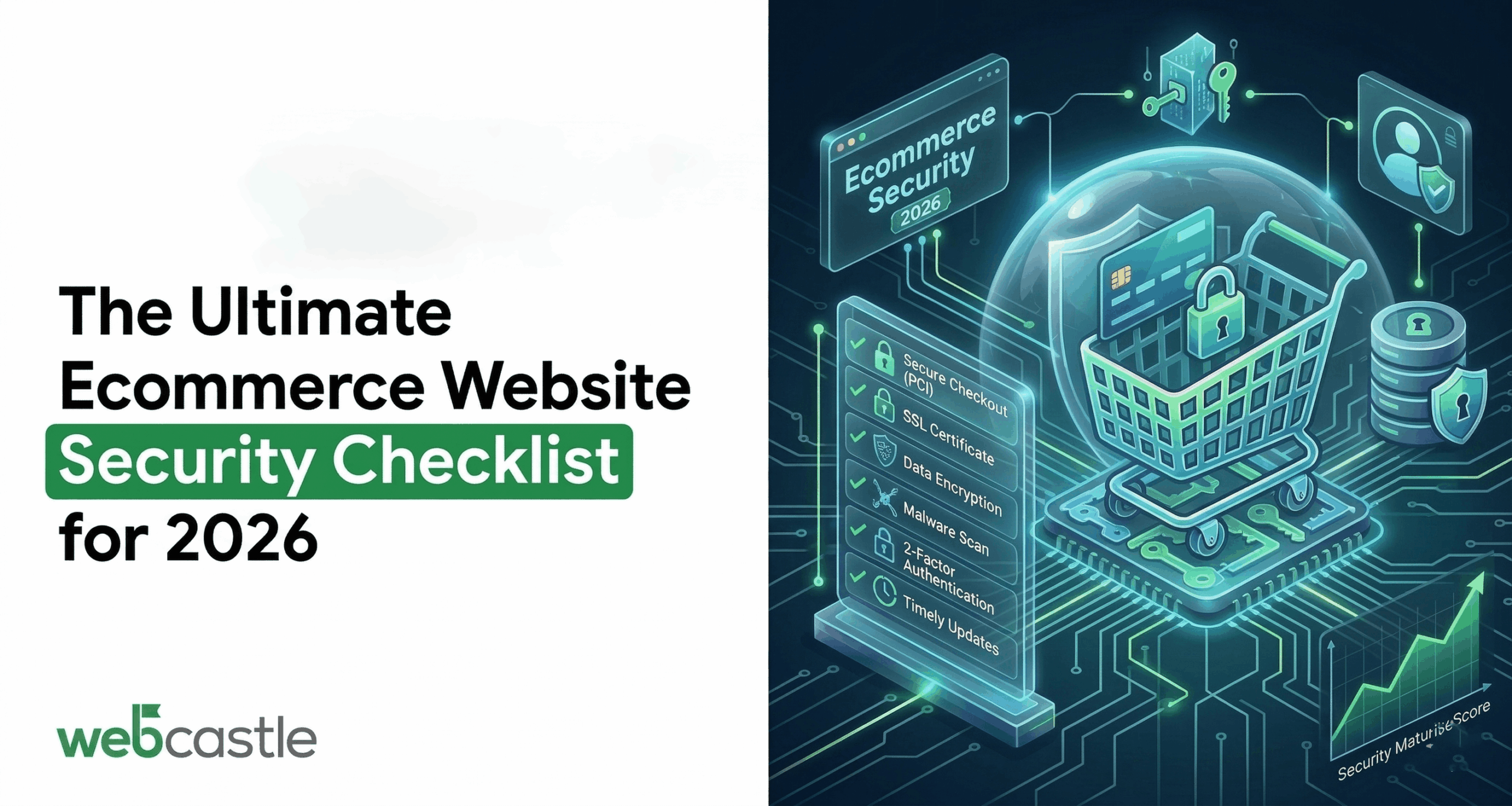
One hacked checkout page can undo years of brand building. In a world of one‑click buys and saved cards, shoppers assume your store is safe by default. If that trust is broken—through a stolen card, leaked address list, or suspicious-looking payment page—they rarely give you a second chance.
Ecommerce website security should be a 2026 priority. It affects revenue and reputation, not just IT, and plays a critical role in data breach prevention.
This checklist covers key security essentials and how WebCastle, a web development company in Boston, can help implement them.
Understanding E-commerce Website Security
E-commerce security has three key duties:
- Protecting customer data
- Protecting your payment flows and accounts
- Keeping your store stable, fast, and available
Doing this well requires:
- Security: encryption and secure servers.
- Monitoring: logging and response.
You can’t “set and forget” security. It’s a moving target that needs regular attention.
1. Get the Basics Right: Hosting, Platform, and SSL
Choose secure hosting and keep your stack lean
Start with the basics:
- Use secure hosting with a firewall and DDoS protection.
- Keep the platform and plugins updated.
- Remove unused tools and themes.
Extra components increase security risks.
Enforce SSL certificates across the site
SSL certificates are no longer an optional “nice to have”:
- Redirect all HTTP to HTTPS.
- Automate certificate renewals.
- Scan for mixed‑content issues that can break encryption on key pages.
A consistent “https” experience is now a minimum expectation from both users and search engines.
2. Secure Payments: PCI, Gateways, and Encryption
Respect PCI compliance standards
If card details ever pass through your systems, PCI compliance standards apply:
- Avoid storing raw card data yourself as far as possible.
- Follow basic PCI practices.
Strong PCI security protects customers and reduces risks.
Use payment gateway encryption to your advantage
Let specialists handle the most sensitive pieces:
- Choose gateways that support robust payment gateway encryption and tokenisation for both data in transit and at rest.
- Prefer hosted payment pages or embedded secure fields over homegrown card forms.
- Turn on risk tools like AVS, CVV checks, and velocity rules to catch obvious fraud patterns.
The less real card data your infrastructure ever sees, the safer you are.
3. Lock Down Accounts and Admin Access
Use strong logins and enable 2FA.
Stolen credentials cause many breaches.
For staff and admins:
- Use strong password policies.
- Enable 2FA for admin and payment accounts.
- Add lockouts after repeated failed logins.
These steps make account takeovers much harder.
Use roles and permissions carefully
Not everyone needs full control:
- Assign roles with limited access.
- Review admin users regularly.
- Log key actions and changes.
Clear accountability helps prevent misuse.
4. Strengthen the Application Layer
Manage plugins and code
- Remove unused plugins.
- Update frameworks and libraries regularly.
- Run vulnerability scans or security tests.
A smaller, updated stack is safer.
Set up monitoring and alerts.
- Use a web application firewall.
- Track unusual activity like login spikes.
- Set alerts for key events.
Early detection reduces damage.
5. Protect Data and Privacy
Follow good data practices
- Collect only necessary customer data.
- Be clear in your privacy policy.
- Offer consent controls and opt-outs.
- Use strong access controls and encryption.
This shows you take privacy seriously.
Backups and incident planning
- Schedule automatic backups.
- Store and test backups regularly.
Preparation reduces damage during issues.
6. Front-End Security: Forms, Checkout, and Trust
Validate Inputs
Treat all input as untrusted:
- Protect forms from spam and injection.
- Use CAPTCHAs or bot‑filtering tools where you’re seeing abuse, while keeping things simple for genuine customers.
Build a checkout that feels safe
Security is also about perception:
- Display well‑known payment logos and security badges around the payment steps.
- Make refund and support policies easy to find.
- Keep security checks while avoiding unnecessary steps.
A clear checkout builds trust and supports security.
7. People, Policies, and Daily Habits
Security fails if the team isn’t aware:
- Run basic training to recognise phishing and suspicious requests.
- Define simple rules around using personal vs. company devices for admin access.
- Make it easy and judgement-free for people to report “something weird” they’ve noticed.
Culture plays a bigger role in security than many e-commerce teams realise.
Where Ecommerce Web Design Boston and Marketing Fit In
Security decisions shouldn’t be made in isolation from design and marketing.
A team specialising in ecommerce web design boston can:
- Bake security into the architecture: secure patterns for login, account management, and checkout from the earliest wireframes.
- Choose platforms and configurations that support PCI compliance standards, strong authentication, and reliable payment gateway encryption.
- Shape forms and flows so they feel smooth while still collecting the minimum required data.
On the growth side, boston digital marketing services need a dependable technical base. A compromised or unstable site wastes ad spend and damages brand trust, no matter how good the campaign strategy is. That’s why mature digital marketing company in boston treat security, performance, and UX as shared responsibilities with development—not separate silos.
How WebCastle Helps Put This Checklist Into Practice
Knowing what a secure store should look like is one thing. Implementing and maintaining those controls over time—while shipping new features and running campaigns—is another. This is where a partner like WebCastle can step in.
WebCastle works as a web development company in Boston with dedicated e‑commerce and security capabilities, backed by in‑house marketing expertise.
Here’s how they typically support clients:
- Security-aware ecommerce builds
- Enforcing HTTPS everywhere and setting up SSL certificates correctly from day one.
- Integrating trusted payment gateways with strong payment gateway encryption and clear PCI responsibilities.
- Designing account and checkout flows that can support 2FA and safer data collection without confusing users.
- Compliance and privacy guidance
- Recommend platforms that support PCI compliance.
- Guide data practices to align with GDPR.
- Boston marketing integration
- As a digital marketing company in Boston, WebCastle connects campaigns to secure, high-performing pages.
Make this your 2026 security plan
Security needs ongoing attention. Every new plugin, integration, and campaign introduces fresh risk. You don’t need to do everything now… Just follow a clear plan.
To start:
- Review your store using this security checklist.
- Identify major gaps like missing HTTPS or weak access.
Partner with experts in security and development. A web development company in Boston, like WebCastle, can help strengthen security while supporting marketing and sales.
Fix security now to keep your 2026 store safer and more reliable.
Ready to secure your e-commerce store? Talk to the WebCastle team today.
